
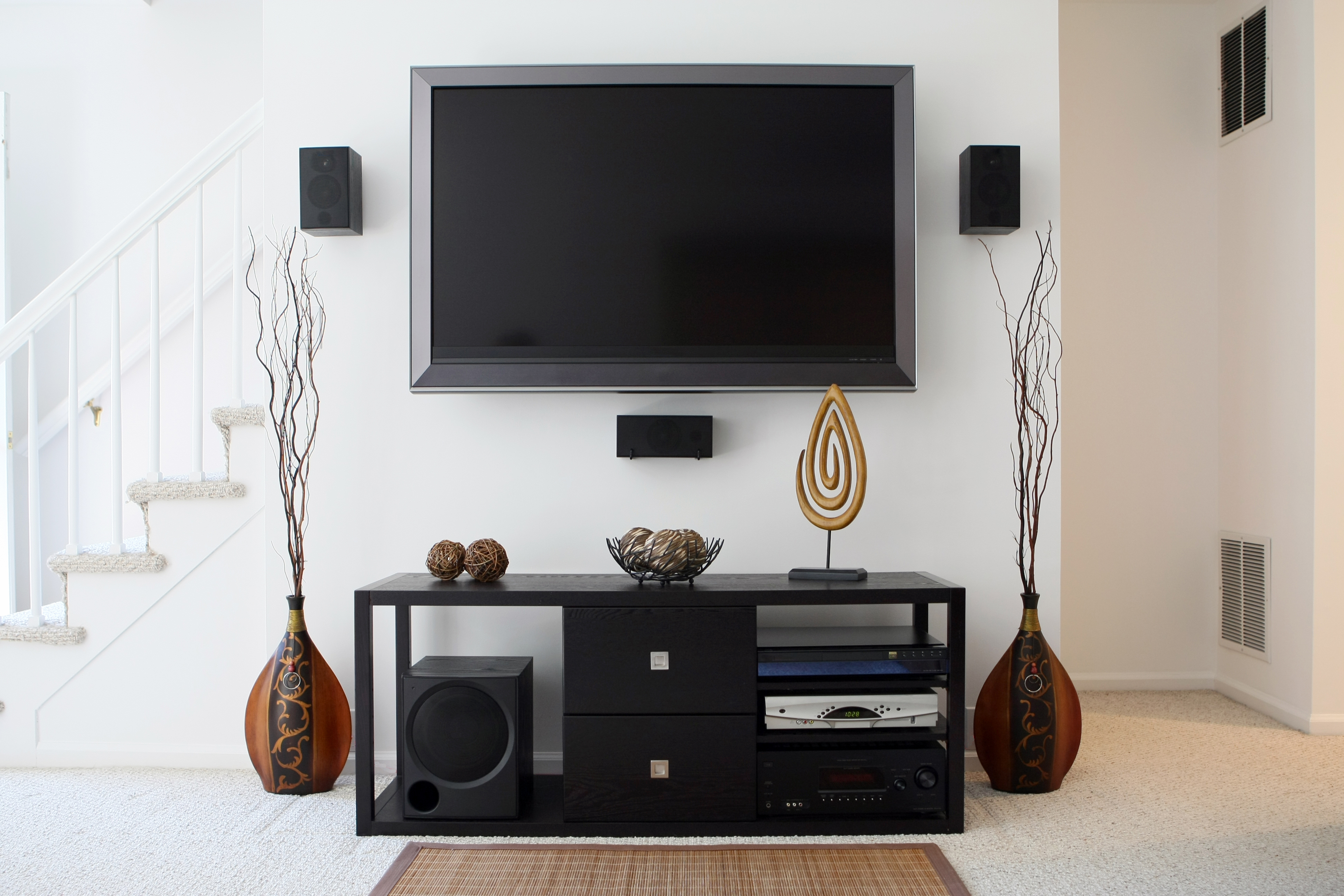
Home theater speakers offer the best quality sound for your soundtrack listening experience. However, they are not designed to work with the computers most of us use. Is there a way to combine the two, or are we limited to using low-quality computer speakers?
Generally, you connect your home theater system to a computer, just as you would any other speaker system. You only need the correct ports and cables. Fortunately, you can use adapters if your computer doesn’t have the necessary ports.
However, most home theater systems are not plug-and-play. You must configure your computer properly before they work for you. Therefore, you should read further to learn the steps to do it.
Why Should You Connect Your Home Theater Speakers to Your Computer
Music streaming has been a gold mine for us soundtrack enthusiasts. Soundtrack albums for cartoons were rare. It costs money to make CDs, and most record labels weren’t willing to spend a dime on children’s shows. However, that all changed with the advent of streaming.
Today, nearly every new show has a soundtrack release of some kind. You can even find soundtrack albums for older shows as the nostalgia for them deepens. However, all this goodness comes with a problem: all the music is on our computers or phones.
To listen to our music, we need speakers. Indeed, many devices have built-in ones, but they often fail to meet expectations. Therefore, we almost always need external speakers to achieve rich, high-quality sound. Fortunately, we have options. However, we would get the best results with at least a decent home theater speaker.
There are some great benefits to using home theater speakers with our computers as well:
- Ease of use – smaller and user-friendly cable management
- Expanded audio options – your computer becomes a home theater system for music, gaming, watching movies, or other forms of entertainment.
- Greater audio control – use any computer audio suite with the speakers
- Network your audio – control the speakers from any room
How to Set Up Home Theater Speakers to Work with Your Computer
The method for connecting home theater speakers to a computer depends on the specific speakers and the computer model. That’s because we have come a long way since the dawn of computer audio.
Many newer speaker models already come with a computer audio interface. If this is the case for you, you can skip most of the steps. Otherwise, you have some work to do.
Fortunately, it’s easy if you know what you are doing, since it only requires three simple steps:
- Install an appropriate computer audio adapter
- Run the proper cable between the computer and the speakers
- Configure your computer to work with the speakers
Installing a Suitable Computer Audio Adapter
You need the correct ports to connect anything to your computer. Most computers come equipped with Bluetooth and HDMI connections, and some still have audio jacks. However, you must install an adapter if your speakers don’t use any of them. Just make sure you get an adapter with the appropriate ports. Follow the instructions that come with the adapter to complete the job.
Run Audio Cables Between Your Computer and Speakers
Running audio cables between your devices can be as simple as a single cable or as complex as a network of wires. Generally, you connect the cables to the appropriate port on either end, but it will depend on your setup:

- HDMI– connect an HDMI cable between the ports on your devices
- Multi-channel or “RCA” – requires a separate port and cable for each speaker, may require a dedicated 3.3-mm mini-plug to RCA adapter.
- Optical – generally requires a bridge, such as a TV, since most computer sound adapters don’t have an optical output port.
Configure Your Home Theater
If you made it this far, you are now the proud owner of a computer-controlled home theater system. However, you need to configure it with your computer’s audio manager. From there, configuring your speakers is as simple as selecting the correct sound profile. You should also calculate the speakers until they reach your desired sound quality.
Test Drive Your New Home Theater System
You can easily connect home theater speakers to a computer. You may need an adapter, but the benefits are well worth it. You can then browse my soundtrack music library for tunes to play on them.



Leave a Reply